Snapshot history
Each check stores a version when content changes — review any past state.
Webpage version monitoring
Add the URLs that matter. Compare Versions saves snapshots on a schedule, flags when content changes, and gives you highlighted diffs, a Main view inbox, and email alerts — for webpages and PDFs, with folders for categorization and optional email digests.
10 URLs · 30 days daily checks free
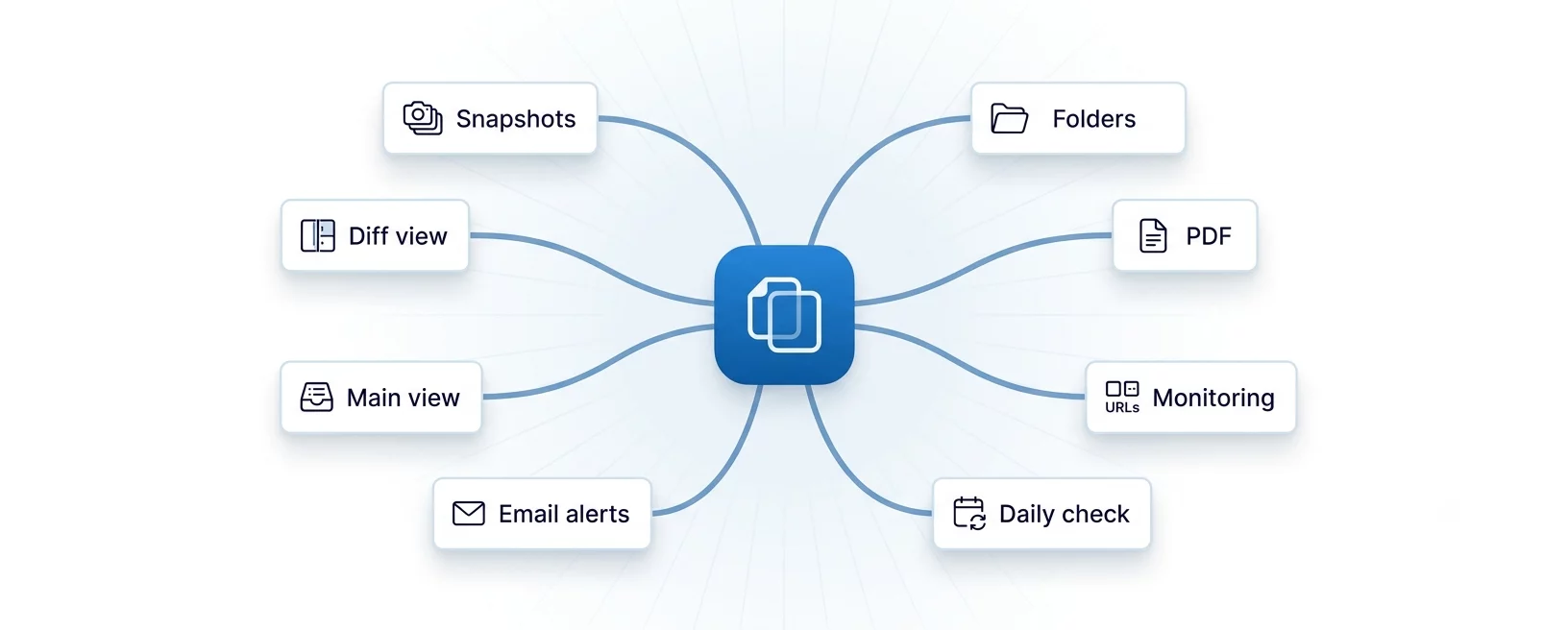
Each check stores a version when content changes — review any past state.
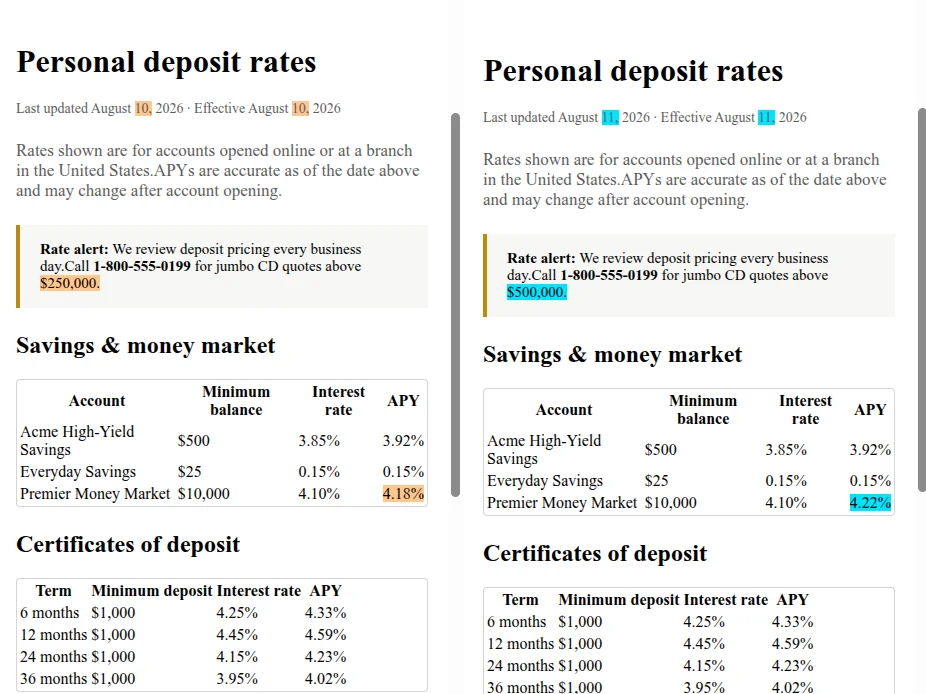
Side-by-side, single page, text-only, text-in-context, and image diff when enabled.
Pay by URL count — one domain or many doesn’t change the price.
Paste the pages you want to watch — product sites, docs, news, rate pages, PDFs, and more. Organize them with folders.
Each run fetches the live page and compares it to the last snapshot. If the page changed, we save a new snapshot and the diff.
See what changed in Main view, or in the email alert we send you. After you look, mark it as checked.
The usual way to view a change is side by side. Orange and cyan highlights show what changed. You can also see only the changed text, or the changed text with the words around it. Each of these works side by side or on one page. Image changes are available too.
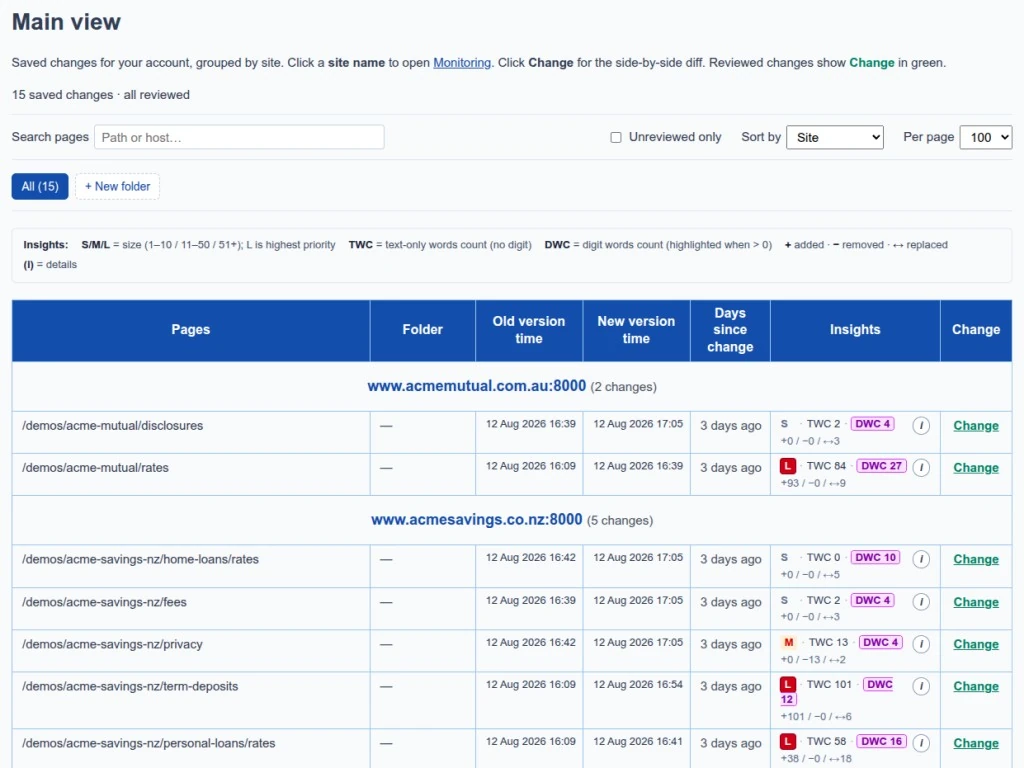
After each monitoring run, changed pages appear in Main view. Filter by folder, site, or unreviewed only — then open the diff in one click.
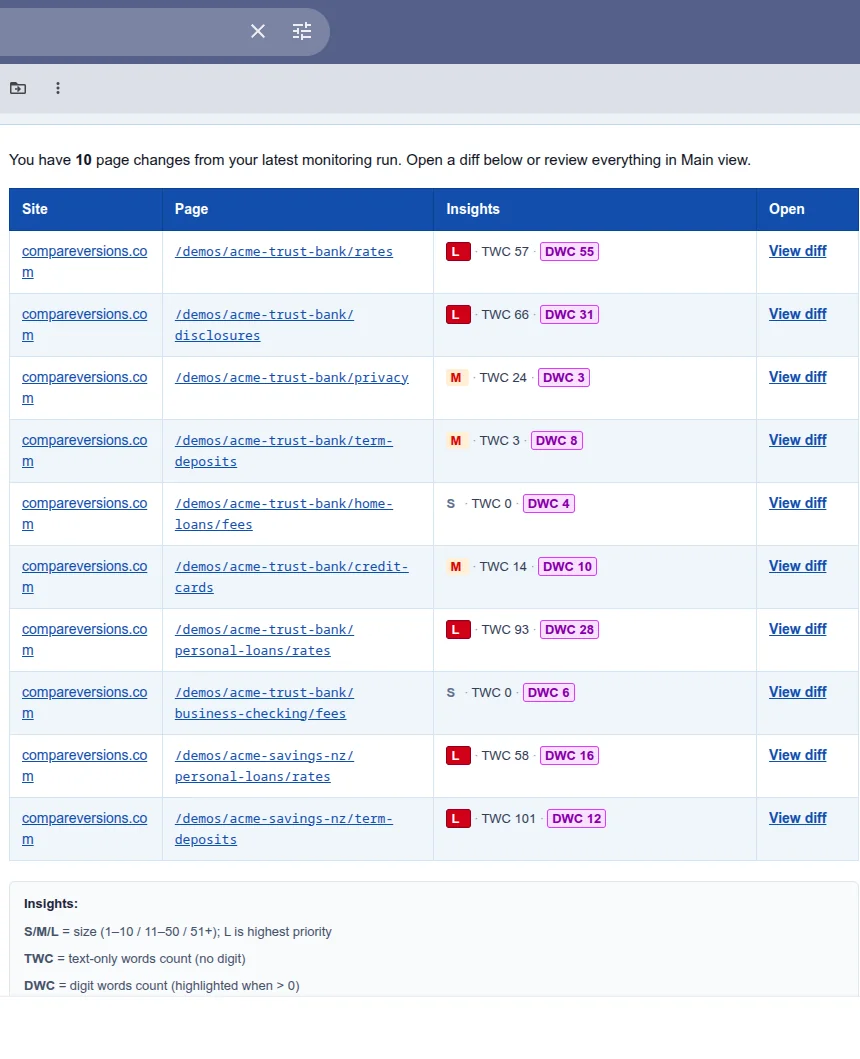
Get an email alert after each run: which pages changed, a short summary, and a link to open each change. Turn the email alert off, or set a minimum DWC, in Settings.
11 URLs costs less than 12. Pick a plan by how many URLs you need; upgrade when your list grows. Start with a free trial, then subscribe when you are ready.
From $7.50/mo for 10 URLs, Pro $45/mo for 75 URLs, or any other plan.
Keep an eye on pricing, policy, and product pages.
Catch copy, pricing, and spec changes across marketing or docs sites.
Watch competitor, partner, or reference pages.
Follow bank, insurer, and comparison pages. See the exact numbers and words that changed.
Watch public regulation and policy pages, and read the exact wording that changed.
Watch public source pages and see what the wording changed to.
Watch guidance, rule, and notice pages, and see the exact text that changed.
Watch public filings and announcements, including PDFs, and see what changed.
Add the pages you care about. Each day, see exactly what changed.
Create a free account, add up to ten URLs, and run your first check in minutes.